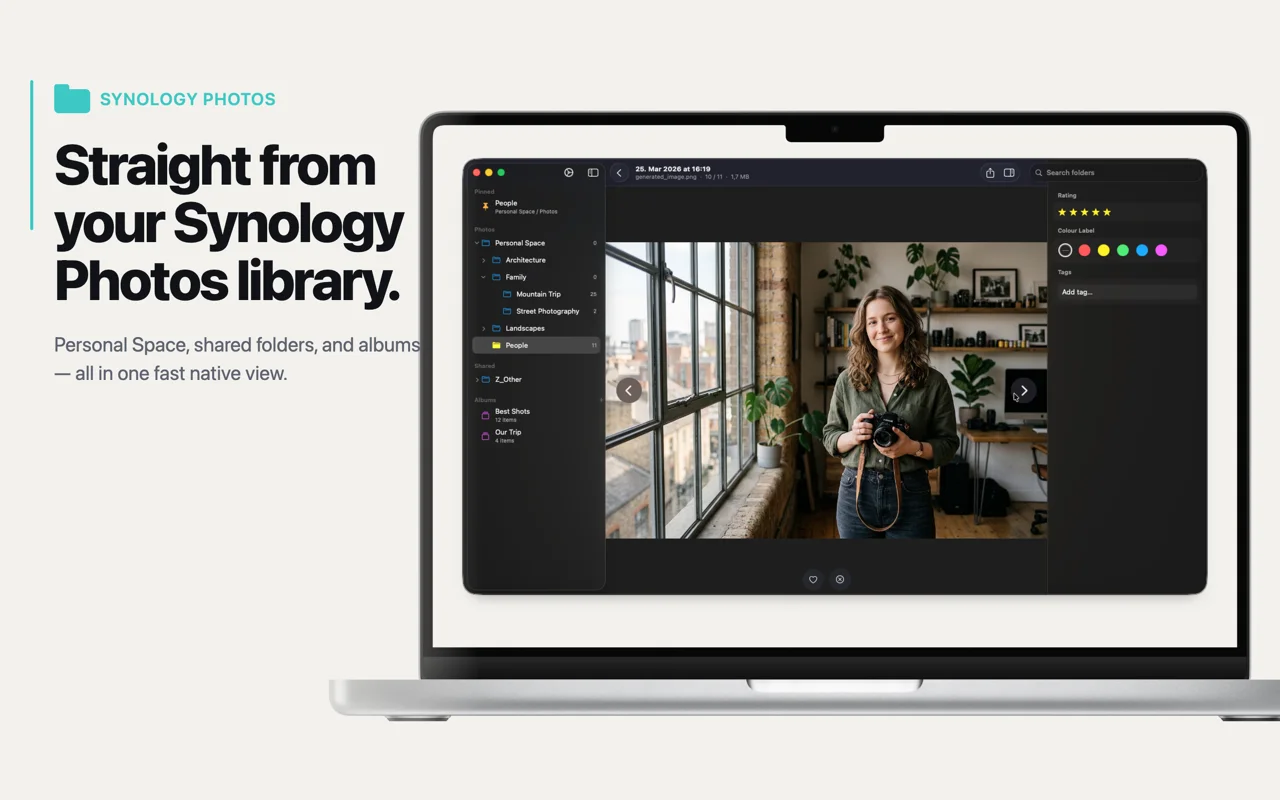
Cull thousands of photos, anywhere they live. Point CullKit at your Synology NAS, any network share, or a local folder on your Mac or iPhone — fast, private, and without cloud lock-in. Available for iOS and macOS.


7-day free trial: full access, no commitment.
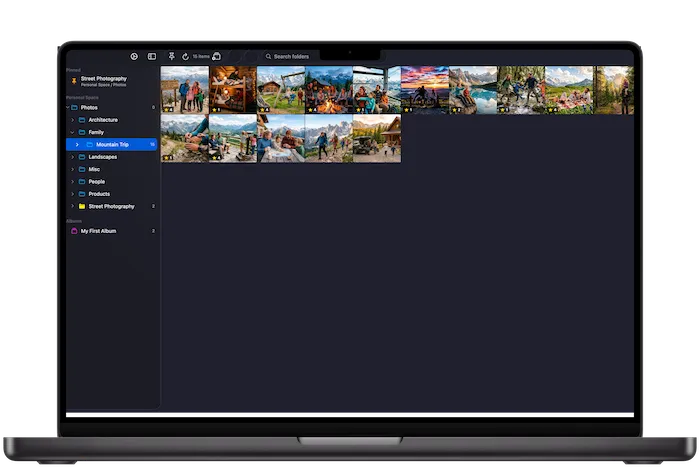
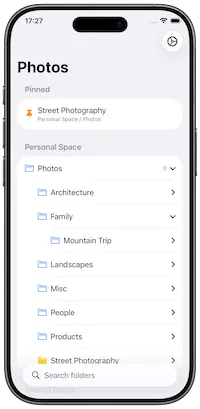
No cloud lock-in, no uploads. Point CullKit at your Synology NAS, any network share, or a local folder on your Mac or iPhone. Your photos never leave your devices.
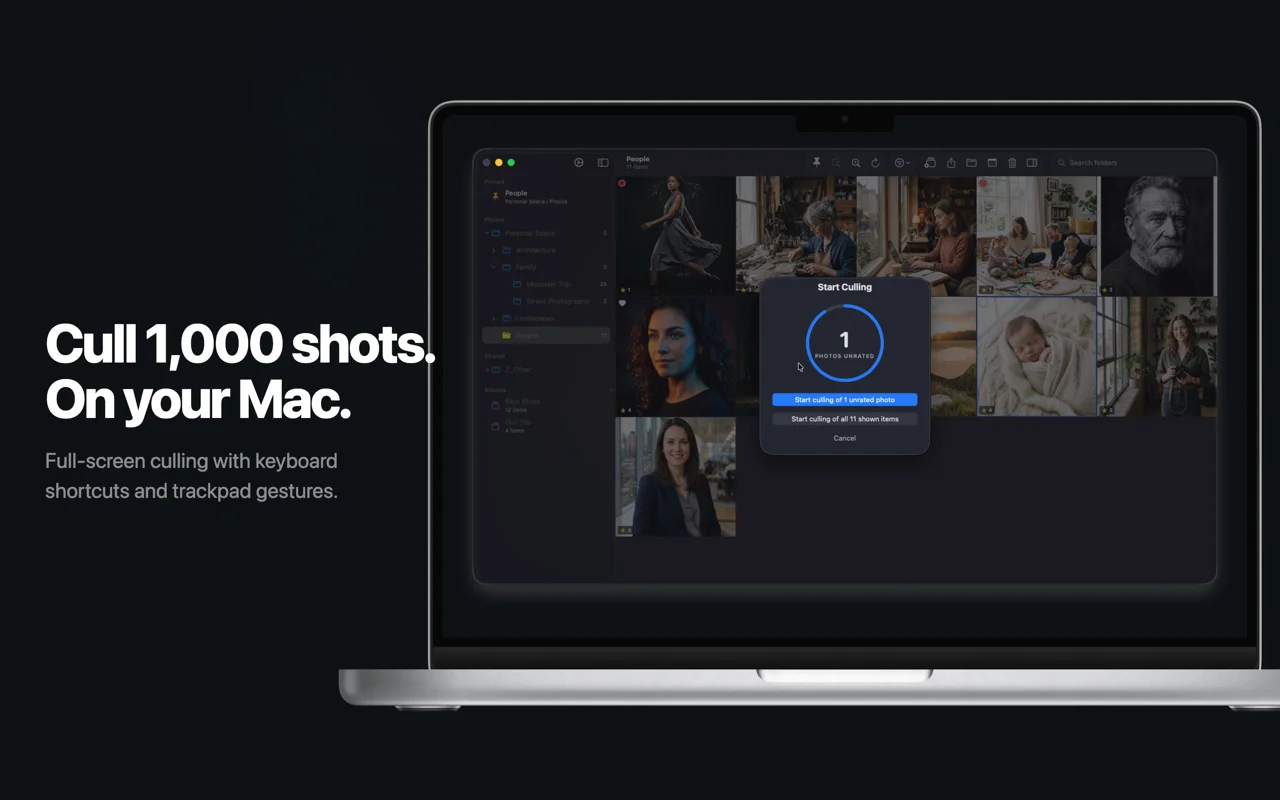
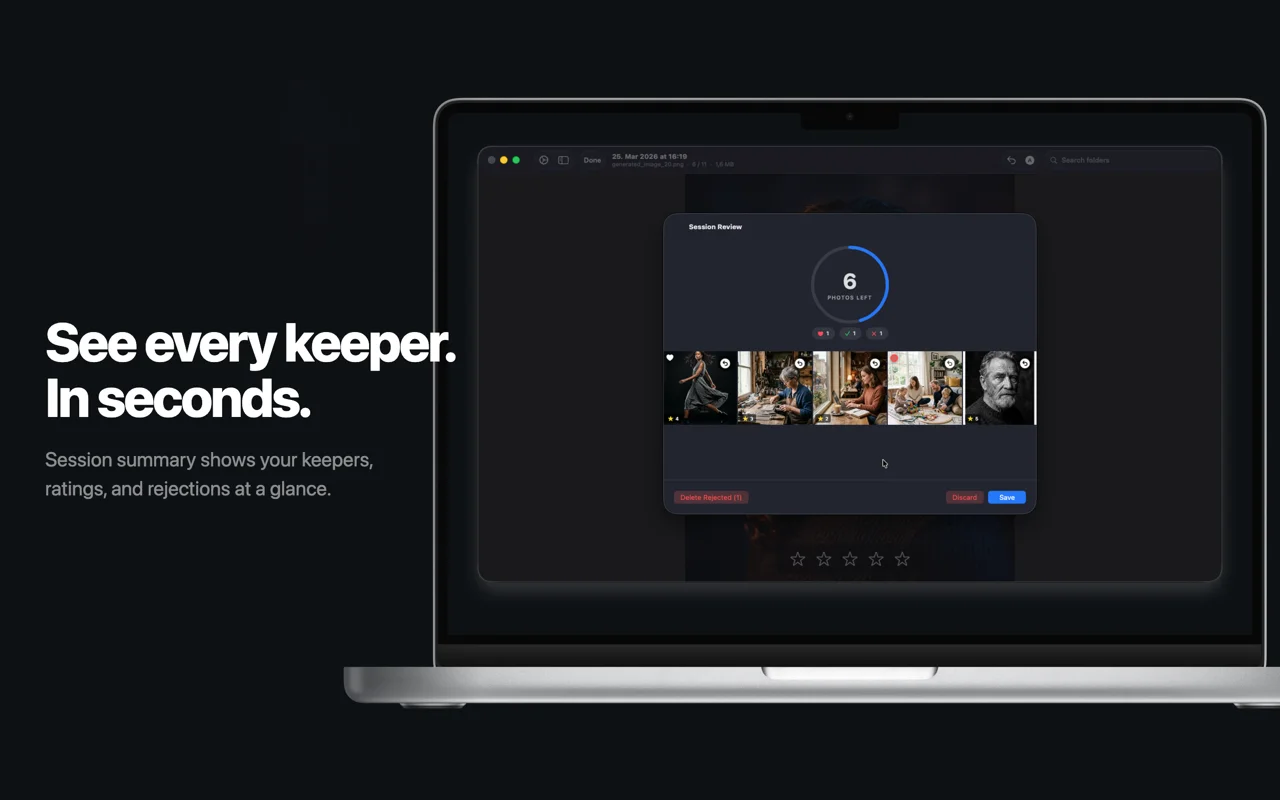
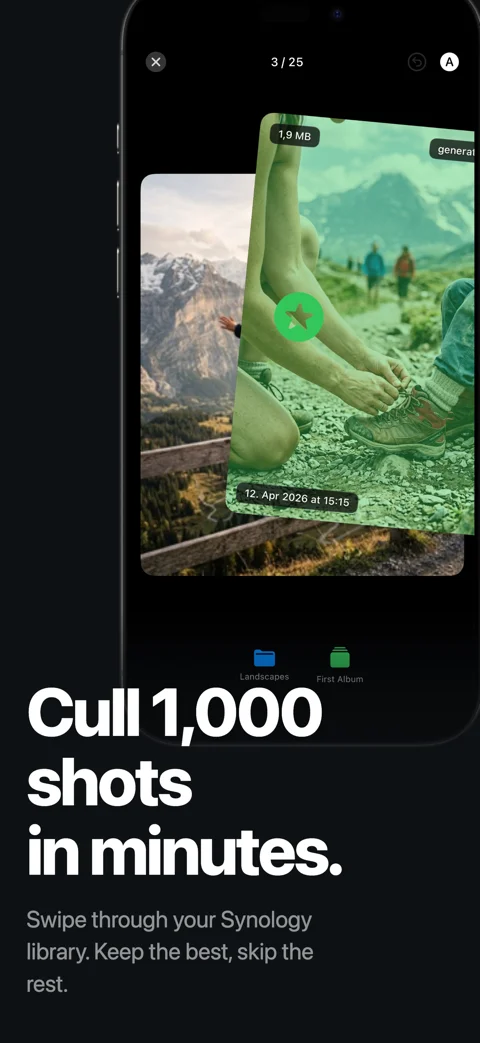
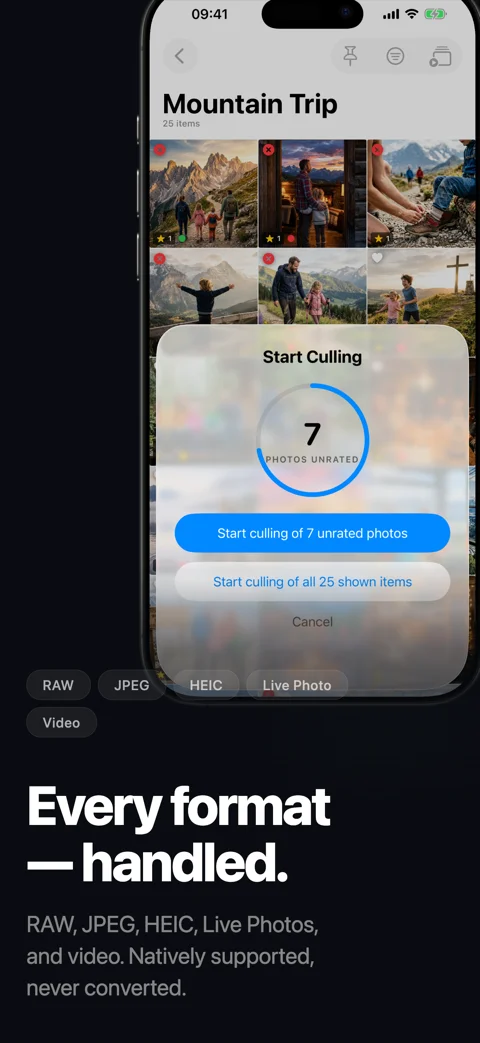
Swipe through thousands of photos on iOS, or blaze through them with keyboard shortcuts on Mac. Configurable swipe actions, auto-advance, and crash recovery keep you in flow.
RAW, HEIC, and JPEG all natively supported. RAW+JPEG pairs are reviewed as a single frame, and video and Live Photo playback is built in.
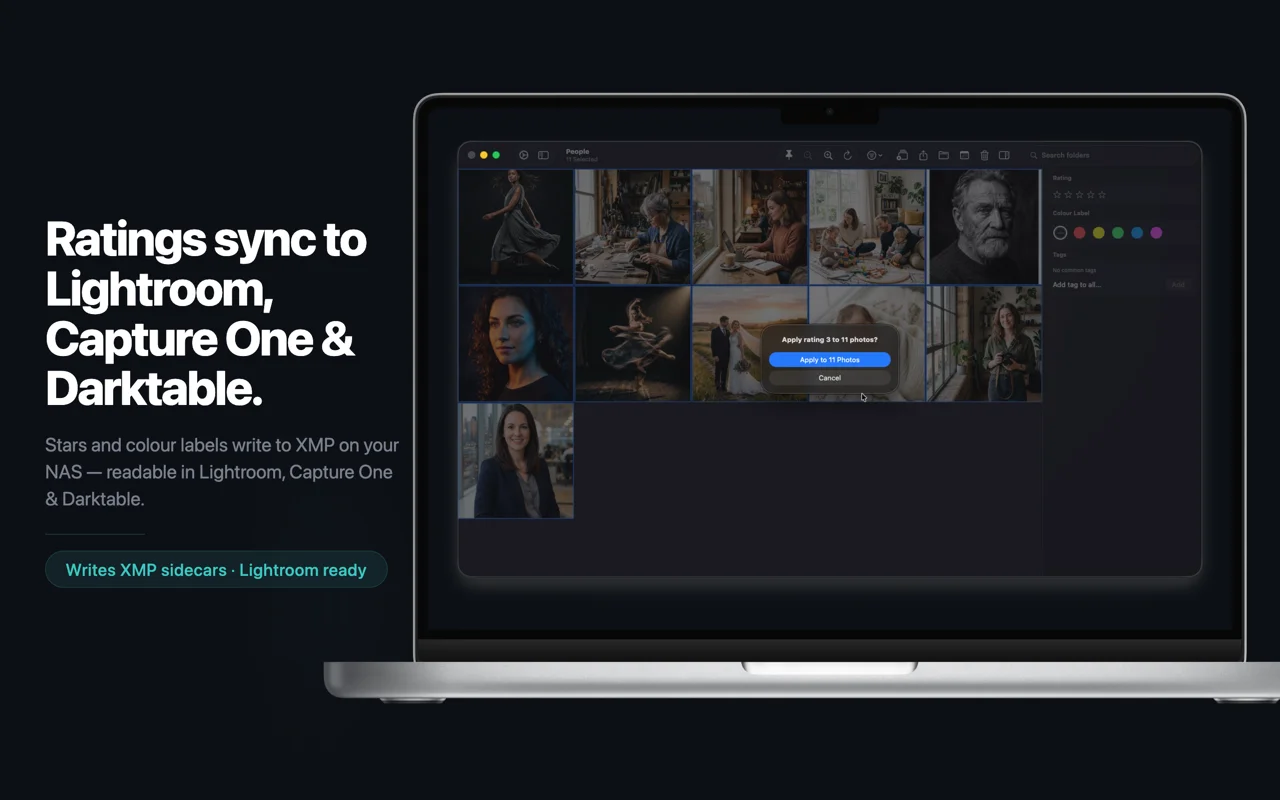
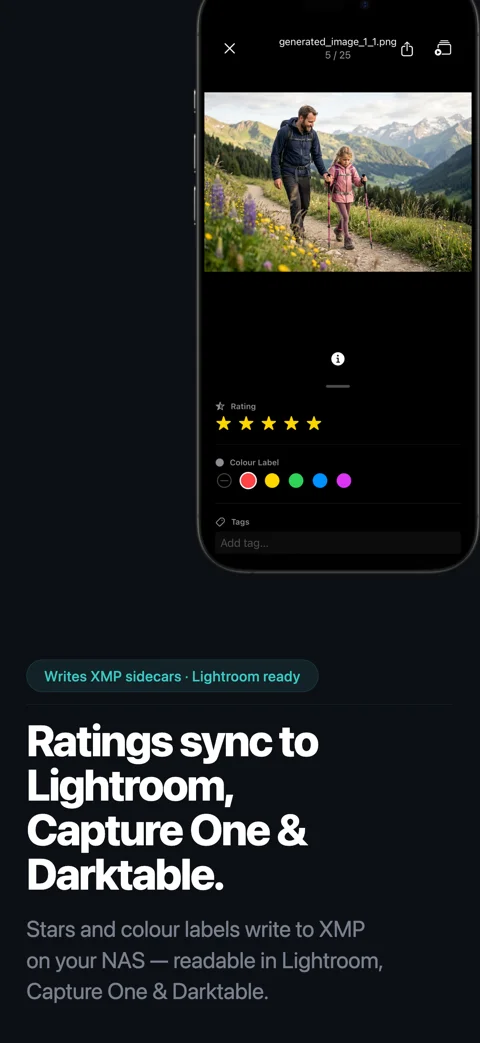
Star ratings, flags, colour labels, and tags are written to Lightroom-compatible XMP sidecars. Your selects appear automatically in Lightroom, Capture One, and Darktable.
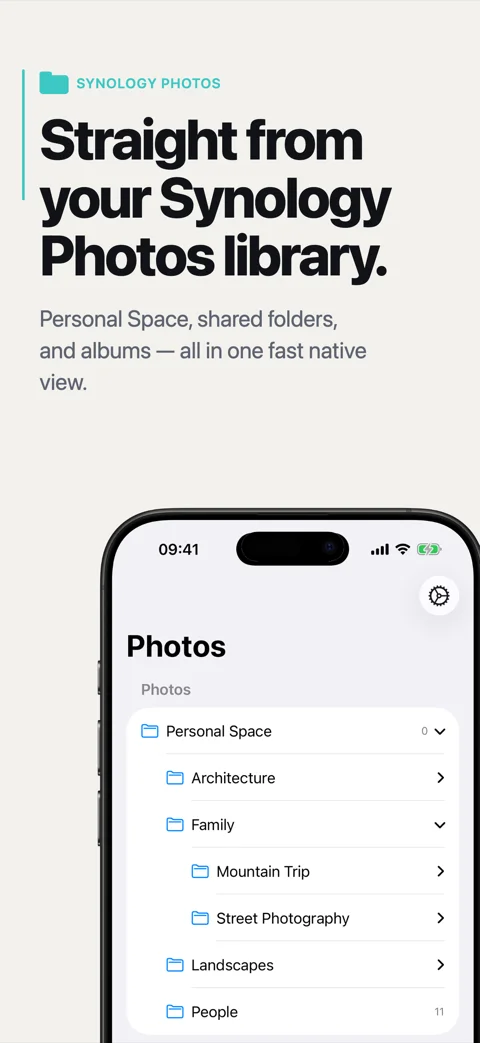
Synology Photos, any NAS over SMB (QNAP, TrueNAS, UGREEN, Asustor), local folders, or external SSDs. Cull wherever your photos already live without copying anything first.
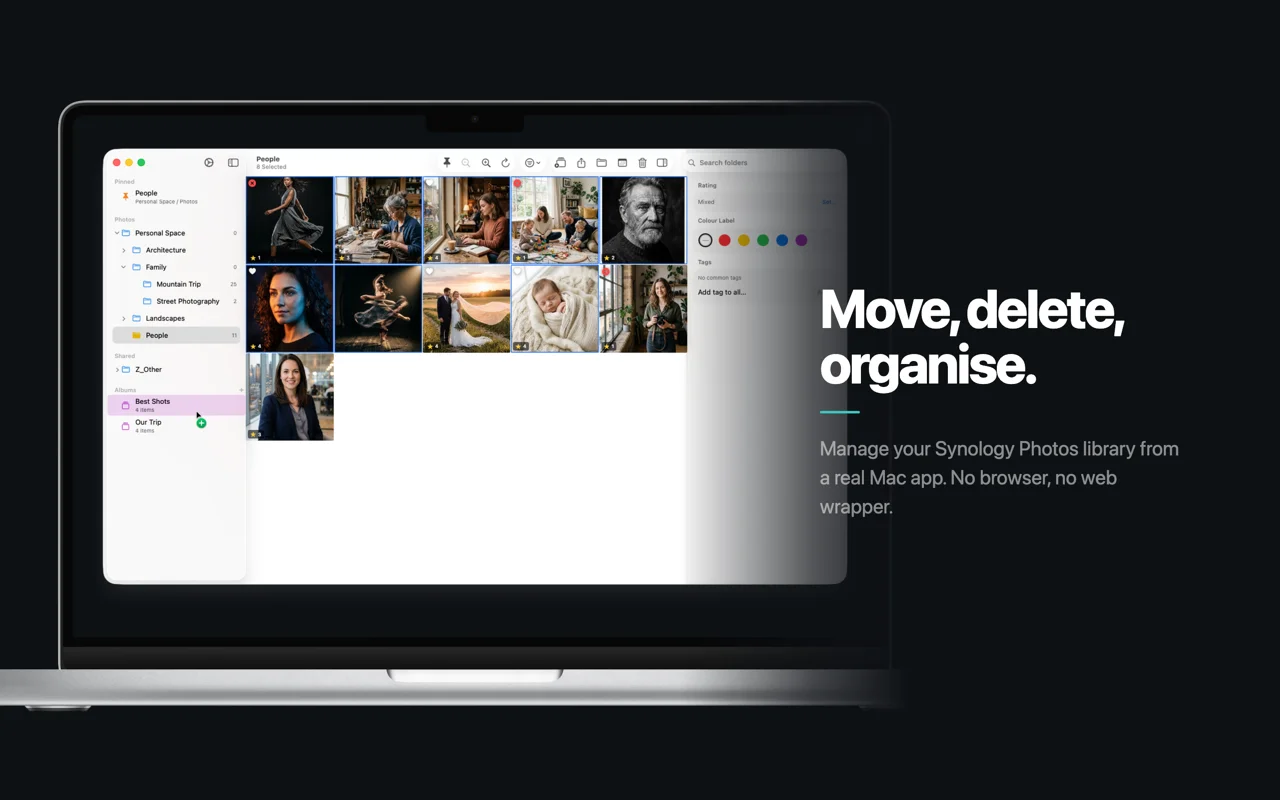
Per-folder filters by rating, colour label, and tag. Pin folders, search the tree, organise photos by date into YYYY/MM folders, and drag-and-drop on Mac.
Cancel anytime.
7-day free trial included
Get startedEquivalent to ~5.83 € per month.
7-day free trial included
Get startedCullKit connects directly to Synology Photos. Beyond that, it works with virtually any storage: on iOS and macOS you can point CullKit at any local folder on your device. Using a different NAS (QNAP, Asustor, TrueNAS, UGREEN, a Raspberry Pi, and so on)? Mount or sync its photo share to your Mac, iPad, or iPhone over SMB and select that folder in CullKit to get the same fast culling workflow.
Yes. On iOS and macOS you can add any local folder as a source: an external SSD, a Lightroom working folder, a Photos export, or a synced copy of your library. No NAS required.
Yes, indirectly. Connect or sync your NAS's photo folder to your Mac, iPad, or iPhone over SMB (or any sync tool you like), then point CullKit at that folder. Direct, native integration today is Synology-only; the local-folder route works with everything else.
No. Privacy comes first with CullKit. Your photos stay on your NAS or device and are processed only on your end devices (Mac, iPad, or iPhone). Nothing is sent to the cloud.
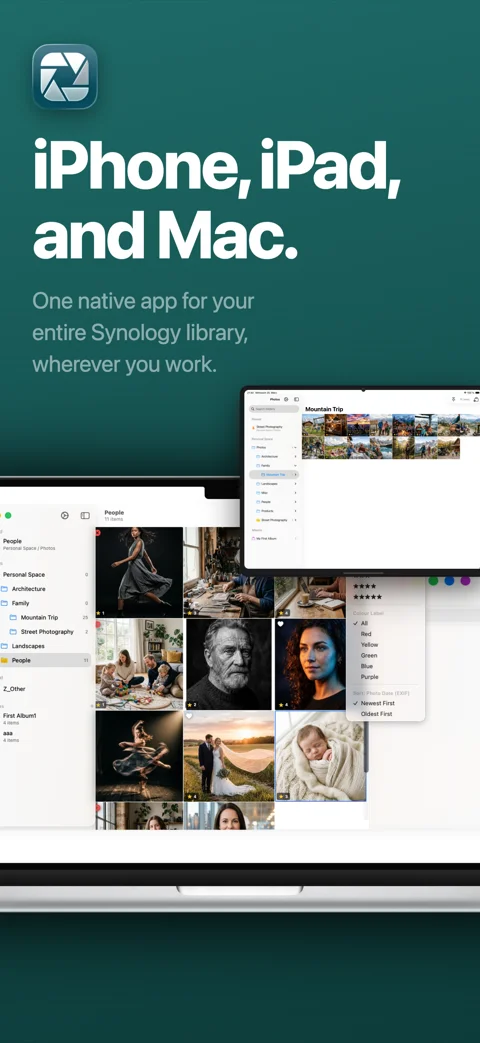
No. One subscription unlocks all features on both platforms. You can switch your workflow seamlessly between Mac, iPad, and iPhone.
 CullKit